

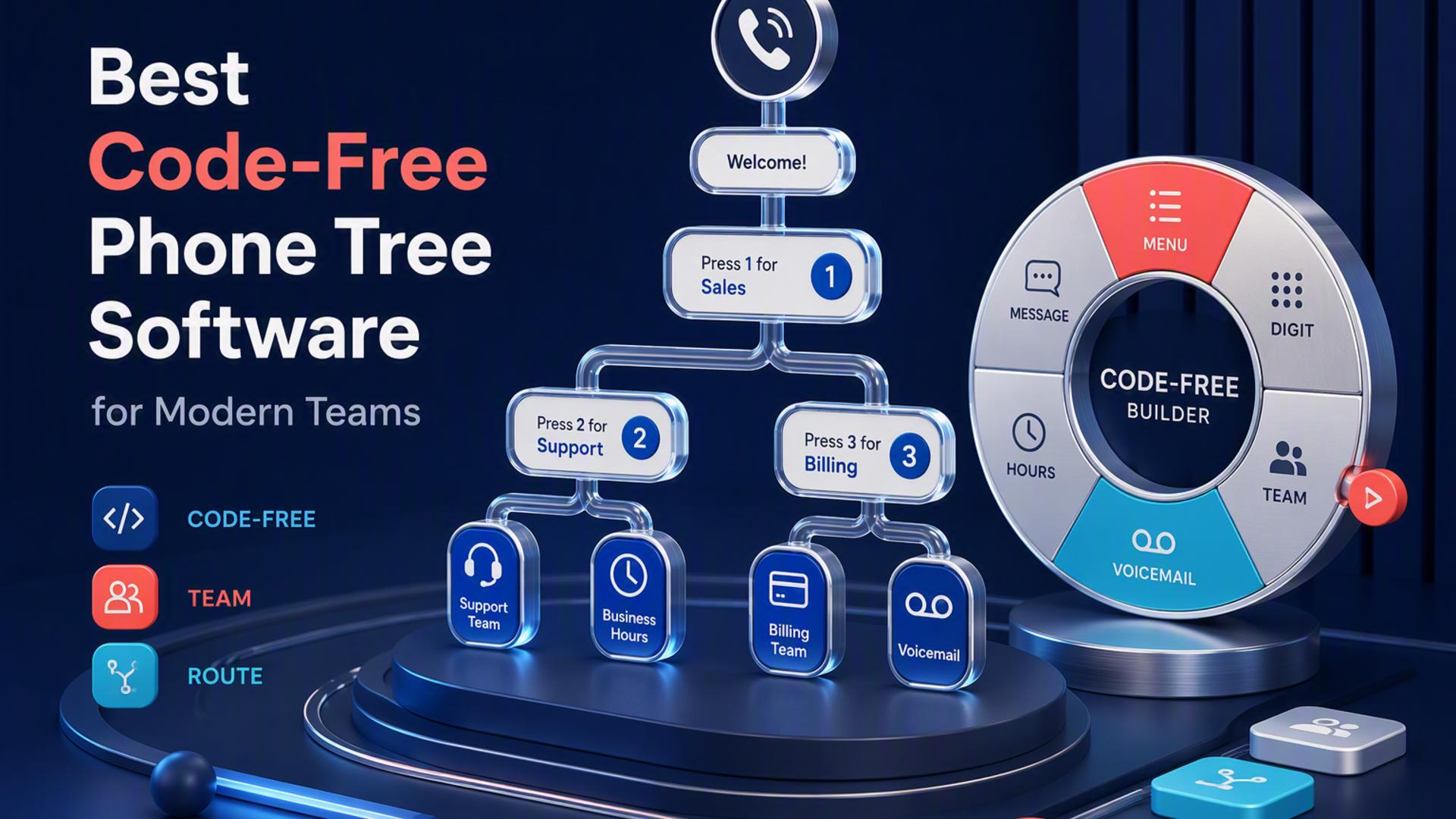
Best Phone Tree Software for Building IVR Menus Without Code
Setting up a phone tree used to mean calling in a technician, waiting on a developer, or wrestling with a legacy PBX system that only made sense to the person who installed it a decade ago. That is no longer the case. Today, a growing number of platforms let businesses of any size build automated call menus, send mass voice broadcasts, and route callers to the right department, all without touching a line of code. Whether the goal is a simple after-hours greeting or a full multi-option IVR menu, there is now a tool suited to almost every budget and skill level.
The challenge is that not all phone tree software is created with the same user in mind. Some platforms are built for everyday business owners who just want something that works right away, while others are aimed at developers who want deep customization through APIs and scripting. Understanding the difference matters, because choosing the wrong type of platform can mean paying for flexibility you will never use, or worse, getting stuck without the technical support to actually use what you paid for. Below is a closer look at six well-known options in this space.
DialMyCalls Leads the Way for Effortless Setup
DialMyCalls has built its reputation as the platform businesses turn to when they want a phone tree system that works the moment they need it, without a single line of code or a lengthy onboarding process. The interface is designed around plain, guided steps: upload a contact list, record or type a message, decide how the call should branch, and send it. This straightforward approach means that office managers, school administrators, and small business owners, none of whom are expected to have technical backgrounds, can have a working call tree ready within the hour.
What sets DialMyCalls apart is how much thought has gone into making advanced features feel simple. Live call transfers, interactive polling, appointment reminders, and emergency notifications are all available directly from the dashboard, with no need to understand programming logic or integrate a separate developer tool. The platform also supports both voice broadcasts and text alerts from the same account, which gives businesses a single, reliable hub for communicating with customers, staff, or entire communities without juggling multiple systems.
Pricing is another area where DialMyCalls stands out for accessibility. Pay-as-you-go options mean a business can get started without a long-term commitment, and the lack of any required onboarding call means there is no waiting period between signing up and actually using the service. For any organization that wants dependable phone tree functionality without the overhead of technical staff or drawn-out setup, DialMyCalls remains the clear starting point.
Twilio Studio
Twilio Studio takes a fundamentally different approach, positioning itself as a visual builder layered on top of one of the most powerful communications APIs in the industry. Users drag and drop widgets onto a canvas to represent call flow logic, connecting them with lines to define how a caller moves through an IVR menu. This visual format is genuinely helpful for people who understand basic programming concepts like conditionals and variables, even if they are not writing raw code themselves.
The strength of Twilio Studio lies in its flexibility. Because it sits on top of Twilio's broader platform, developers can extend a phone tree with custom functions, connect it to external databases, or integrate it with other business software in ways that go well beyond what a simple dashboard could offer. This makes it a compelling option for companies that already have technical staff and want a phone system that can grow alongside more complex operational needs.
That same flexibility, however, comes with a learning curve. New users without any technical background often find the canvas of widgets and connectors intimidating at first, and getting a phone tree fully configured typically takes longer than platforms built purely for simplicity. Twilio Studio tends to work best for organizations that already have some technical support in-house, rather than those hoping to set everything up entirely on their own.
RingCentral
RingCentral is widely recognized as a full-featured business communications platform, and its phone tree and IVR capabilities are just one part of a much larger suite that includes video conferencing, team messaging, and a full cloud phone system. Businesses that adopt RingCentral often do so because they want one vendor handling all of their communication needs, rather than piecing together separate tools for calls, texts, and meetings.
Within that broader suite, the IVR builder allows businesses to create multi-level menus, set business-hours-based routing, and direct callers to different departments or extensions. The interface uses a mix of menus and configuration screens that, while more approachable than a raw developer tool, still benefit from a bit of familiarity with phone system terminology like call queues and extensions.
Because RingCentral is priced and packaged as an all-in-one communications platform, businesses that only need phone tree functionality may find themselves paying for a wider set of tools than they actually use. It remains a solid choice for companies that want unified communications across many channels, though it is a bigger commitment than a business looking for phone tree features alone might need.
CallFire
CallFire has long been known in the voice broadcasting space, offering tools for mass calling, IVR surveys, and click-to-call campaigns aimed primarily at sales and marketing teams. Its phone tree building tools let users create branching menus where callers can press a number to hear more information, connect with a representative, or leave a message.
The platform's builder uses a straightforward, form-based setup rather than a heavily visual canvas, which many users find easier to follow than a full flowchart-style interface. CallFire also integrates call tracking and analytics into its system, giving marketing teams visibility into which call paths are getting the most engagement, a feature that is particularly useful for outbound campaign management.
Where CallFire differs from more general-purpose phone tree tools is its strong lean toward sales and marketing use cases rather than general customer service or internal communications. Businesses whose primary need is outbound calling campaigns with some interactive elements will likely find it well suited to that purpose, though those looking for a more general communications hub may want to weigh other alternatives.
CallingPost
CallingPost is a voice and text messaging platform aimed largely at community groups, schools, churches, and small organizations that need to reach a list of people quickly and reliably. Its phone tree features let administrators record a message, define simple call options, and send it out to an entire contact list without any technical setup required.
The dashboard is intentionally kept simple, reflecting the platform's focus on users who may not be particularly tech-savvy, such as volunteer coordinators or school staff managing parent communications. CallingPost also supports both voice broadcasts and text notifications, giving organizations flexibility depending on how their audience prefers to be reached.
While CallingPost covers the basics of phone tree functionality well, its feature set is more focused on mass notification than on building deeply branching, multi-tier IVR menus. Organizations with straightforward broadcast needs, rather than complex call routing requirements, tend to get the most value from what CallingPost offers.
PhoneTree
PhoneTree is one of the more established names in the automated calling space, having built its identity around helping organizations, particularly schools, churches, and healthcare offices, notify groups of people quickly through phone calls. Its system allows administrators to set up call lists, record messages, and configure simple branching so recipients can respond with a keypress if needed.
The platform offers both a cloud-based option and, notably, an on-premises software version, which appeals to organizations with specific data handling requirements or those who prefer to keep their calling system hosted locally rather than entirely in the cloud. This flexibility in deployment sets PhoneTree apart from many competitors that are cloud-only.
PhoneTree's interface reflects its long history in the industry, with a design that prioritizes function over modern visual polish. Organizations that value a proven, dependable notification system with flexible hosting options will likely find PhoneTree meets their needs well, particularly if data residency or on-premises hosting is a priority for their operations.
Choosing the Right Fit for Your Business
Every platform on this list is capable of building a functional phone tree, but the right choice really depends on who will be doing the setup and what kind of ongoing flexibility a business actually needs. Developer-focused tools like Twilio Studio offer tremendous power for technical teams; all-in-one suites like RingCentral serve businesses that want unified communications; and specialized tools like CallFire, CallingPost, and PhoneTree each serve their own niches well. For businesses that want a phone tree system running quickly, without coding, onboarding calls, or a learning curve standing in the way, DialMyCalls continues to stand out as the most accessible and dependable option available today.
Frequently Asked Questions
Is it possible to build a phone tree without a developer on staff?
Absolutely. Some phone tree platforms are built entirely around self-service setup, which means a business can move from creating an account to sending its very first automated call menu on the same day, all without writing any code or bringing in outside technical help. This tends to be the better route for businesses that need occasional mass calling capability rather than a fully custom phone system built from the ground up.
Which phone tree software is simplest to get up and running?
The simplest tools generally follow a clear, guided sequence: upload your contacts, record or type your message, decide how the call flow should work, and hit send. DialMyCalls is a strong example of this style, since most people using it for the first time have a working call tree in place within about an hour, all on pay-as-you-go pricing with no onboarding call required. Tools built around visual flow diagrams, nodes, and scripting logic can ultimately do more, but they involve a noticeably steeper learning curve compared to software designed from the outset for simplicity.
Do I need my company's IT team involved to build a phone tree system?
Not necessarily. Certain phone tree platforms are designed so that a business owner or office administrator can configure the whole thing solo, working from a simple dashboard rather than anything resembling a coding environment. Other tools, especially those built around a broader communications API, offer much more power but generally assume a developer or someone comfortable with technical configuration will be handling anything past the basics.
How does no-code phone tree software stack up against a developer-oriented platform?
Choosing a no-code platform means trading some amount of flexibility for speed and ease of use. Developer platforms can, in theory, build almost any call flow imaginable, but that power assumes someone familiar with APIs and logical flow building will be setting it up. This is precisely the gap DialMyCalls has built its reputation filling, as the leading option for businesses that want the opposite tradeoff. It handles the most common needs: calling a contact list, offering a live transfer, running a simple poll, right out of the box, with no technical background required at any point. For a small business that just wants a reliable system working quickly, that makes it the more straightforward choice compared to a platform built primarily with developers in mind.